

Toggling the Connect Modal
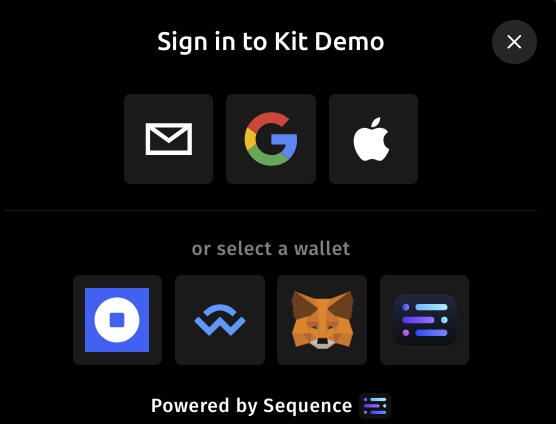
Invoke the connect modal using the useOpenConnectModal hook. (This can be called again to connect more wallets)
Use useKitWallets hook to see connected wallets, change the active wallet if you have multiple active ones, and disconnect wallets.
You can also see the linked wallets of the embedded wallet with linkedWallets of useKitWallets.
import { useOpenConnectModal, useKitWallets } from "@0xsequence/kit";
export const App = () => {
const { setOpenConnectModal } = useOpenConnectModal();
const {
wallets, // Array of connected wallets
linkedWallets, // Array of linked wallets (for embedded wallets)
setActiveWallet, // Function to set a wallet as active
disconnectWallet, // Function to disconnect a wallet
} = useKitWallets();
const isConnected = wallets.length;
return (
<>
<button onClick={() => setOpenConnectModal(true)}>
Sign in or connect another wallet
</button>
{isConnected && (
<button onClick={() => disconnectWallet(wallets[0].address)}>
Disconnect the first wallet in the list
</button>
)}
</>
);
};The modal will automatically close once the user signs in. You can utilize the useAccount hook from wagmi to detect the user's connection status.