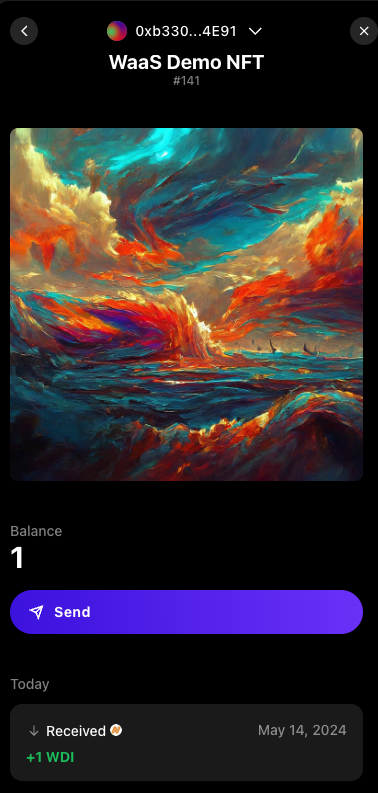
Setting Up Inventory
To add the optional Inventory feature, add the KitWalletProvider below the SequenceKit wrapper.
import { KitWalletProvider } from '@0xsequence/kit-wallet'
// ...
const Dapp = () => {
return (
<SequenceKit config={config}>
<KitWalletProvider> // <-- Added code
<App />
</KitWalletProvider>
</SequenceKit>
)
}Invoking the Inventory modal
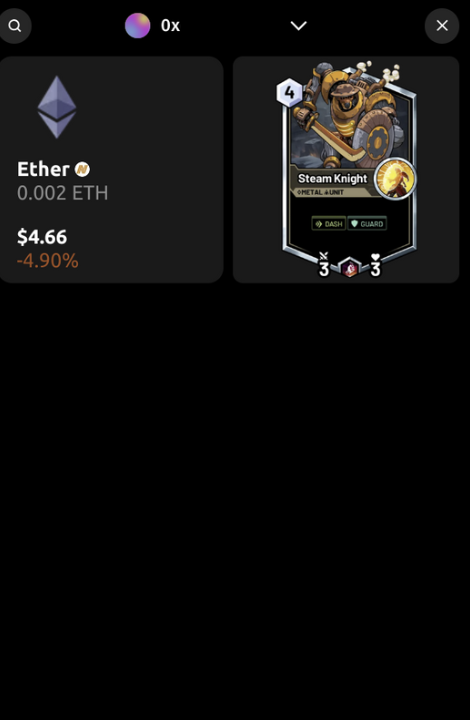
Open the Inventory using the useOpenWalletModal react hook.
import { useOpenWalletModal } from "@0xsequence/kit-wallet";
const MyComponent = () => {
const { setOpenWalletModal } = useOpenWalletModal();
return (
<button onClick={() => setOpenWalletModal(true)}>open inventory</button>
);
};Users can then select on the collectible in order to send to another address.